
 Seminar at SoftUni Creative
Last updated on
It is Friday evening, the Black Friday campaign is live, and the cart returns a blank page. Or Google shows a red warning that the site may be dangerous. Or the hosting provider has suspended the account for suspicious activity.
Each of these scenarios means the same thing: the store is not selling, and the ad budget keeps being spent.
Store security is rarely a topic for the managing director until something happens. Then it becomes the only topic.
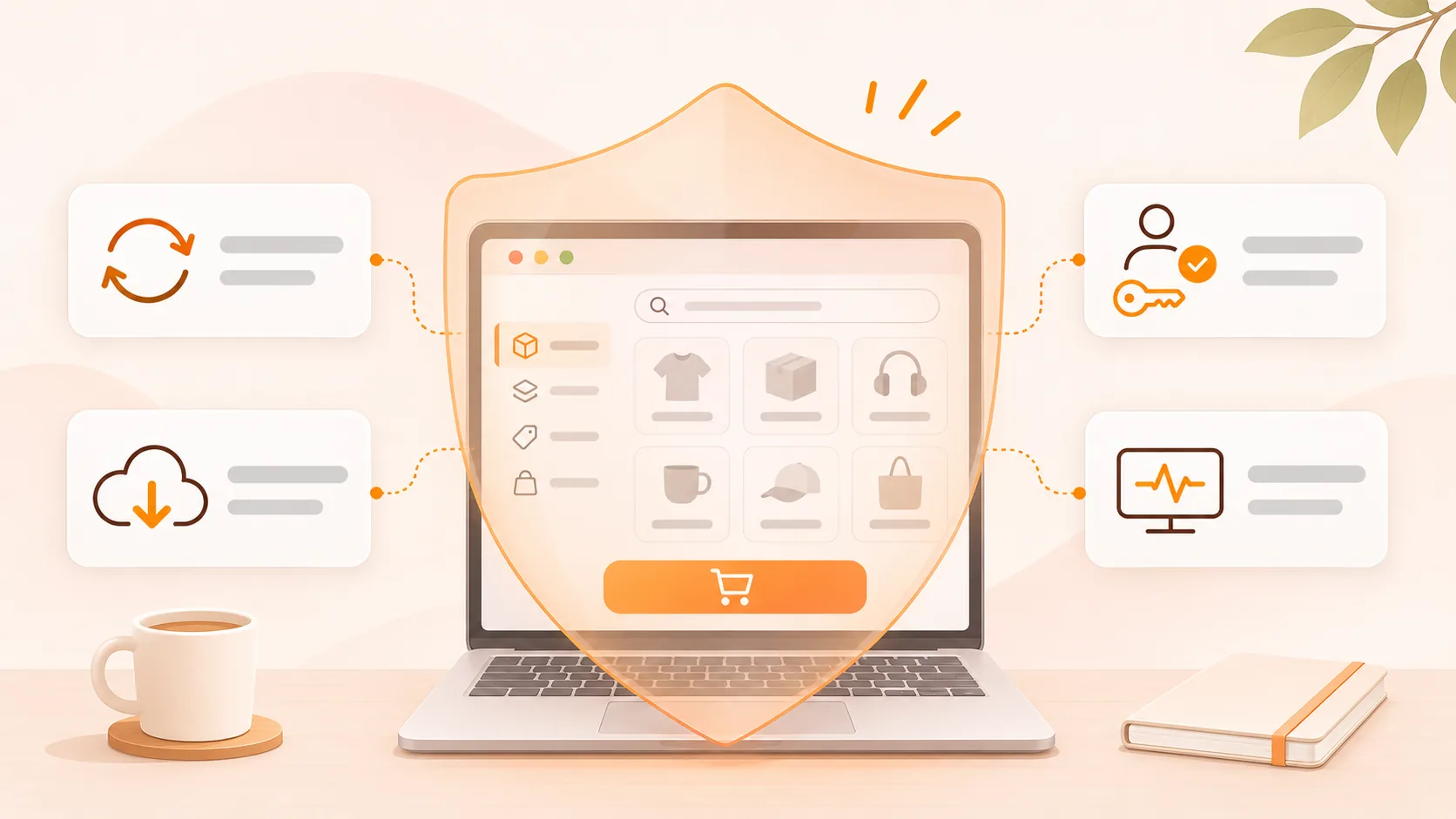
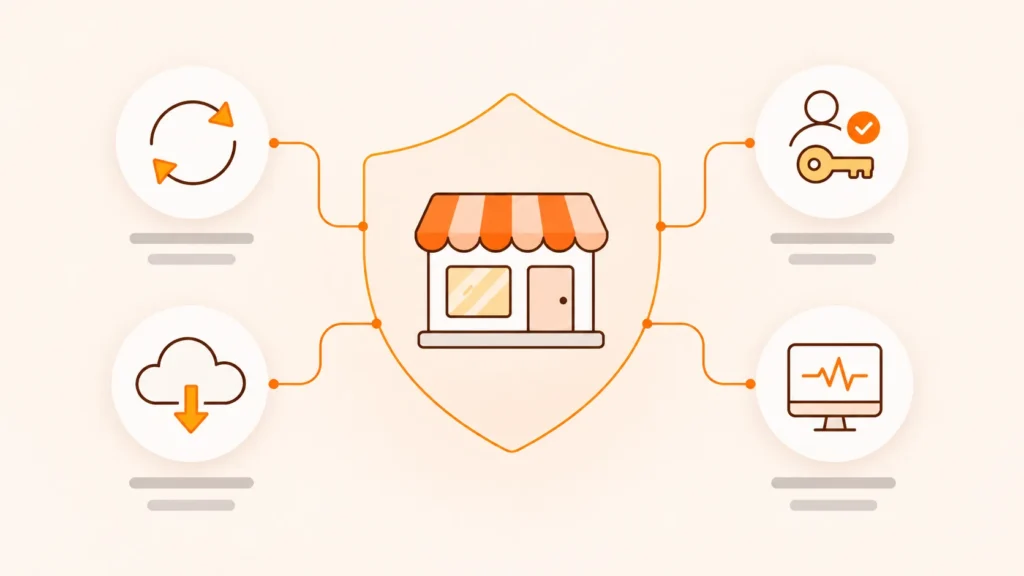
Below are the incidents that most often stop orders in a WooCommerce store, where the risk comes from, and what is worth having in place in advance: updates, backups, access, monitoring and an incident plan.
The short version
- Most incidents that stop orders are not attacks on your store in particular. They come from unmaintained plugins, broken updates, expired certificates and forgotten accounts.
- Plugins are the main source of vulnerabilities in WordPress. Every plugin you do not need is extra risk.
- Updates should be regular, but not blind, and not right before a campaign.
- A backup is only useful if it is stored off the server and you have checked that it can be restored.
- Accounts of former employees and previous contractors are worth reviewing at least once a year.
- If customers’ personal data is affected, the GDPR requires you to notify the supervisory authority without undue delay, as a rule within 72 hours.
The incidents that stop orders
| Incident | What it looks like | Common cause |
|---|---|---|
| Malicious code on the site | A warning in Google or the browser, redirects to other sites | A vulnerable plugin or theme that was not updated |
| Account suspended by the host | The site does not open | Malicious code, spam sending or overload |
| A broken update | A blank page, an error in the cart or at checkout | Incompatible versions of plugins, theme or PHP |
| An expired certificate or domain | A “not secure” warning, or the site disappears | An expired payment card or a forgotten account |
| Card payments stop working | Orders stay failed | A settings change, an expired key, an update |
| Card testing with stolen cards | Many small failed orders in a short time | No protection on the checkout page |
| Overload during a campaign | A slow or unavailable store on the most important day | Hosting and architecture not prepared for the peak |
Most of these incidents do not need a hacker who picked your store. Attacks on WordPress are automated. They look for known vulnerabilities on every site at once.
Where the risk comes from
According to Patchstack’s annual report, 11,334 new vulnerabilities were found in the WordPress ecosystem in 2025, 42% more than the year before. 91% of them were in plugins. For 46%, the developer had not released a fix by the time the vulnerability was made public.
In practice, risk grows with the number of plugins and with the time nobody keeps an eye on them.
We see the same pattern in stores that come to us for a new website. At Silico, plugins had been added over time without anyone managing them systematically. At Tartufi.bg, different features depended on many plugins, which made the system unpredictable exactly when traffic was highest. At Vegan Milker, plugins were often replaced, patched or needed a developer.
In all three cases, the new store reduced its dependence on plugins with custom development where sales required it.
Worth doing: Ask for a list of every plugin in the store, with an answer to one question for each: what does it do, and is it used? Often some turn out to have been installed for a test and forgotten.
Updates: regular, but not blind
There are two extremes, and both are risky. A store that has not been updated for a year, and a store where everything updates automatically and nobody checks afterwards.
The first leaves known vulnerabilities open. The second sooner or later breaks the cart or the checkout without anyone noticing.
A good process looks like this:
- Security updates are applied quickly, usually within days.
- Major updates to WooCommerce, the theme and PHP are tested first on a copy of the site.
- After every update, someone places a test order, including one paid by card.
- Two weeks before a big campaign, non-essential updates are paused.
Be careful: Do not update the store on a campaign day or on a Friday afternoon. If something breaks, there will be nobody to fix it in time, and the loss is largest exactly in the peak hours.
Backups: what matters is the restore, not the copy
Almost every hosting provider makes some kind of backup. The question is whether you can restore the store from it quickly and without losing orders.
It is worth knowing the answers to four questions:
| Question | Why it matters |
|---|---|
| How often is a backup made? | In a store, orders change every day. A weekly backup means a week of lost orders |
| Where are the backups kept? | A backup on the same server disappears together with the site in a serious incident |
| When was a restore last tested? | An untested backup is an assumption |
| How long does a restore take? | That is the time the store is not selling |
A useful way to think about frequency is to ask: how many orders can we afford to lose? If the answer is “not a single one from today”, a daily backup is not enough.
Access: who else can log in
After a few years, the typical store has administrator accounts for people who left long ago. A former employee, the previous agency, a freelancer who fixed something once.
Each such account is an open door. Especially if the password has been used elsewhere.
- Everyone has their own account. No shared “admin” for the whole team.
- Permissions match the job. The person who uploads products does not need administrator rights.
- Two-factor login for every administrator.
- Accounts are reviewed at least once a year and whenever someone leaves.
Access is also the most common problem when you change your developer or agency. What should be yours, and how to take it over safely, we cover in the article on changing your web agency without risk.
Monitoring: find out first
The most unpleasant way to learn that the store is down is from a customer. Even worse is from the report at the end of the month.
Basic monitoring is not complicated:
- An uptime check every few minutes, with an alert when the store stops responding.
- An alert before the domain and the certificate expire.
- Scans for malicious code and file changes.
- A monthly review of failed orders. A sudden rise in small failed payments is often a sign of card testing with stolen cards.
If it happens anyway
It is worth writing down the incident plan before you need it. Under stress, nobody remembers who has access to the hosting.
- Who calls whom, and how quickly.
- Where the logins for the hosting, the domain and the payment provider are kept.
- Who decides whether to take the store offline temporarily.
- How a restore from backup works, and how long it takes.
- How customers are informed, if needed.
If customers’ personal data is affected, the General Data Protection Regulation (GDPR, Article 33) requires the controller to notify the supervisory authority without undue delay and, where feasible, within 72 hours of becoming aware of the breach. The authority is the data protection authority of the EU country where your business is established.
Who is responsible for what
Many incidents drag on because nobody is sure whose task it is.
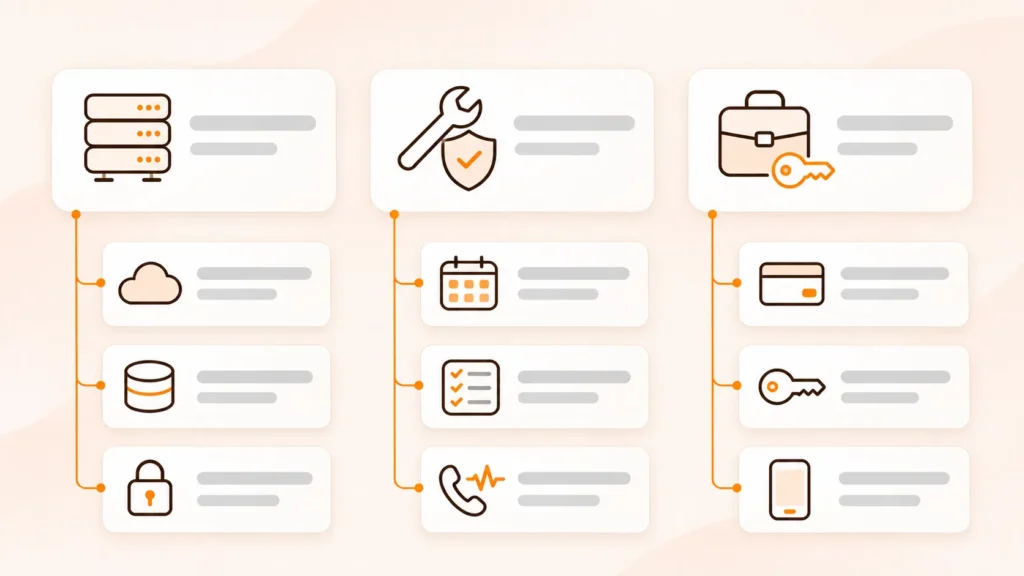
| Task | Usually responsible |
|---|---|
| Server, network, hosting-level backups | The hosting provider |
| Updates, testing, off-server backups, monitoring | The maintenance partner |
| Staff accounts, passwords, decisions during an incident | The owner or managing director |
| Payments, contracts with banks and couriers | The owner, with technical help |
The most important thing is that the split is written down. If your maintenance contract does not say who makes the backups and who responds when the store goes down, assume nobody does.
In her review on Clutch, Presiana Tsvetkova, Silico’s marketing manager, describes the result after the new store and ongoing maintenance: fewer technical errors and outages, more stable payments and fewer failed orders.
Frequently asked questions
How often should a WooCommerce store be updated?
Security updates are best applied within days. The rest can be grouped and applied on a schedule, for example once or twice a month, after testing on a copy of the site and with a test order afterwards.
Are the hosting provider’s backups enough?
Usually not on their own. It is worth having an off-server backup as well, with a frequency that matches how many orders you get a day, and checking regularly that a restore works.
Does a security plugin solve the problem?
It helps, but it does not replace maintenance. A plugin can block some attacks and detect malicious code. It cannot update a vulnerable plugin, test a backup or remove a forgotten administrator account.
What is card testing?
Automated attempts to check whether stolen cards work, through many small orders in a short time. It shows up as a sudden rise in failed payments. The protection sits on the checkout page and with the payment provider.
What should we do if Google shows a warning about our site?
First clean the site and close the vulnerability the malicious code came through. Then request a review in Google Search Console. The warning is removed after a successful review, but only if the cause has been fixed.
Do we have to notify anyone after a breach?
If customers’ personal data is affected, the GDPR requires you to notify your data protection authority without undue delay, as a rule within 72 hours of becoming aware. In some cases, you also have to inform the customers themselves. It is worth consulting a data protection lawyer.
Key takeaways
- Most incidents come from unmaintained plugins and forgotten settings, not from targeted attacks.
- Fewer plugins means less risk.
- Update regularly, test afterwards, and change nothing right before a campaign.
- A backup is only as good as the last tested restore.
- Write down who is responsible for what before you need it.
Not sure who looks after your store’s security?
In one call we can review the plugins, updates, backups and access in your store and tell you which of them are a real risk.
Contact us with your store’s address. If you are looking for a partner to take over updates, backups and monitoring, see how our WordPress maintenance works.